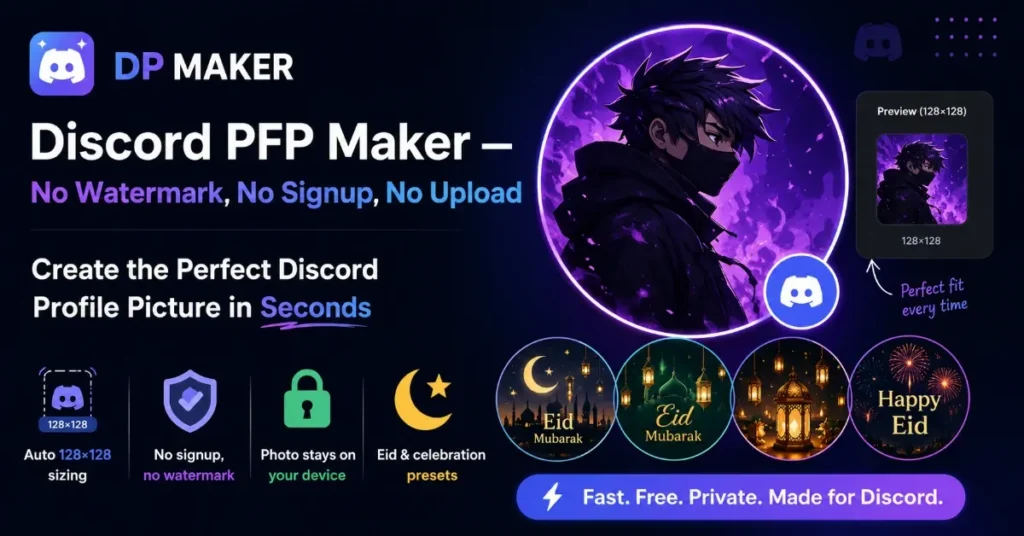
Discord PFP Maker — No Watermark, No Signup, No Upload

Create the Perfect Discord Profile Picture in Seconds

Your Discord profile picture shows up in every server, DM, and chat thread — at a tiny 128×128 pixels. DP Maker is a free discord profile picture maker: no watermark, no signup, no upload. Your photo never leaves your device.  Every feature of this discord pfp maker free tool runs in the browser.

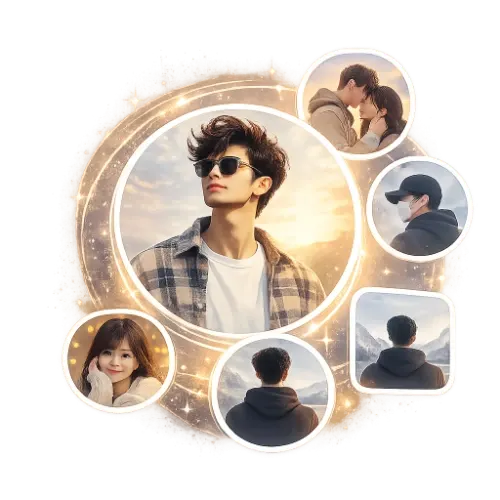
discord pfp maker no watermark-dp-collage-golden-glow
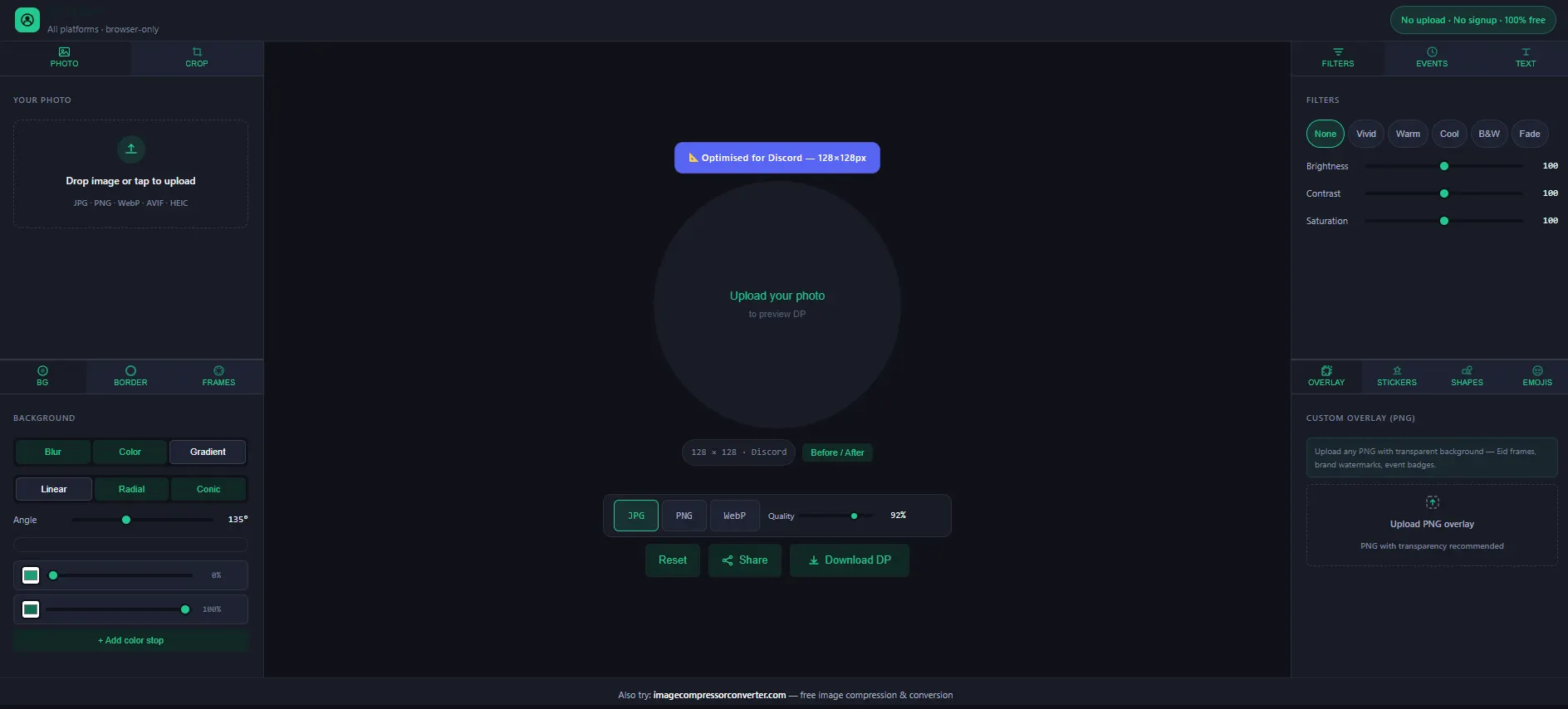
No upload · No signup · 100% free
640 × 640 · WhatsApp
Drag text on canvas to move
JPG
PNG
WebP
Quality 92%

What Size Is a Discord Profile Picture?

Discord PFP Maker — no watermark, no signup, no upload. Free browser tool with auto 128×128 sizing, Eid presets, and photo privacy.

Discord Profile Picture Dimensions in 2026

Discord avatar size pixels remain at 128×128 for standard accounts in 2026. On high-DPI (Retina) screens, Discord renders at up to 256px — so a clean, sharp source image makes a visible quality difference. DP Maker pre-sets the exact discord profile picture size automatically. You never configure dimensions manually.


What Happens If You Upload the Wrong Size?

Discord force-resizes whatever you upload. The result is almost always blurry, off-center, or cropped badly. Using a discord pfp maker no watermark tool that outputs at the exact native resolution — 128×128 — means what you download is exactly what Discord displays.

JPG vs PNG — Which Format Should You Use?

JPG works fine for standard photo uploads. PNG is the right choice when using soft edge transparent effects, because transparency requires it. DP Maker switches the export format automatically based on the effects you apply — no manual format selection needed.


How to Make a Discord PFP — No Signup, No Watermark

This discord pfp maker no signup tool takes under a minute.

Steps:

→ Open DP Maker (no account)

→ Upload photo (JPG/PNG/WebP/AVIF/HEIC)

Discord pre-selected at 128×128px

Crop and position

Customize (background, border, text, soft edge, stickers, emojis, shapes, overlay)

Download at full resolution. Zero watermark.

Tips for a Great Discord Profile Picture

Section intro: practical platform-specific tips for Discord’s audience. Covers dark theme design, cropping strategy, soft edge use, stickers/emojis, and custom PNG overlays.

Crop Tight — Small Size, Big Impact

At 128×128, detail disappears fast. A wide landscape shot becomes an unrecognizable blur in a busy server sidebar. Fill mode with a close-up portrait reads clearly even at the smallest display sizes across Discord’s dark and light interfaces.

Design for Discord’s Dark Theme — No Blending In

Most users run the dark interface. A photo with a dark background blends into the UI and your PFP disappears in chat. Use the blur background to create a cohesive mid-tone backdrop — or try a gradient background with a lighter tone to make your photo pop against dark grey panels.

Use a Discord PFP Soft Edge Transparent PNG for Flexible Use

If you place your discord pfp soft edge transparent export on a server banner or external graphic, hard circular edges look out of place. The softness slider feathers the photo edges so it dissolves naturally into any background — and it auto-exports as PNG with no extra steps.

Add Stickers and Emojis to Match Your Server Vibe

Want to add text to your Discord profile picture, add stickers, or drop in emojis? DP Maker has 47 canvas-drawn stickers and 96 emojis — each with size, position, opacity, and rotation controls.

Upload a Custom PNG Overlay for Server Branding

Running a community? Upload a server badge or role frame as a custom PNG overlay and position it anywhere on the canvas. This makes DP Maker the most capable free discord server icon maker workflow available — no subscription required.

Features That Make Your Discord PFP Stand Out

DP Maker is a discord profile picture editor online built around real photo editing — not AI generation. Every feature runs in the browser, exports at full resolution, and every feature runs in the browser and downloads clean — this is a discord pfp maker no watermark by design.

Soft Edge Transparent PNG — Free Discord PFP Maker Feature

No competitor offers this as a built-in free slider. The soft edge tool creates a radial feather — your photo edges gradually dissolve into the background instead of cutting off hard at the circle boundary. DP Maker is the only free discord pfp transparent png maker with a built-in softness slider.

How the Softness Slider Works

Drag the softness slider from 0 to 100. At 0, you get a hard circle crop. As you increase it, the edges feather outward. DP Maker automatically switches export to PNG. The result is a discord pfp transparent png maker output — no white box, no hard ring.

Photoshop-level output in a free browser tool.

Custom PNG Overlay — Badges, Frames, and Brand Logos

Upload any PNG with a transparent background and place it over your photo. Server role badges, event frames, flag overlays, brand watermarks, twibbon-style frames. Controls: size (20–100%), opacity (10–100%), 9-point grid, blend modes (Normal, Multiply, Screen, Overlay).


Overlay Control

  • Size slider (20–100%)
  • Opacity slider (10–100%)
  • 9-point position grid
  • Blend modes: Normal, Multiply, Screen, Overlay

Community owners can use this to build consistent branding across their server members’ profile pictures — something no other free tool in this category supports.

Add Text to Your Discord PFP — No Watermark, No Account

Two independent text lines, 17 self-hosted fonts, color pickers, and a text background pill with adjustable opacity, padding, and border radius. Works for usernames, server tags, and short phrases. Download the result from this discord pfp maker no watermark — no account, nothing blocked.


Why the Pill Background Matters at 128px

The pill gives text contrast against any photo — your discord pfp with name on it stays readable even at Discord’s smallest render size. Negative line gap lets you stack lines creatively for a layered effect.


All 17 fonts are self-hosted as woff2 files — works in private browsing without any external dependency.

Borders and Shapes — Stand Out in Discord Chat Lists

Six border styles — Thin, Medium, Thick, Double, Dashed, None — with 7 preset colors and a custom picker. At 128×128, a colored border makes a profile picture immediately recognizable in fast-moving chat threads.


Using Shapes as Design Accents

12 canvas-drawn shapes — Circle, Star, Heart, Ring, Burst, and more — each with fill color, stroke color, size, rotation, and opacity controls. All render crisply because they’re drawn with the Canvas API, not image files.

Browser-Only — The Only Discord PFP Maker No Upload Tool

Every edit happens inside your browser using HTML5 Canvas. Your photo is never sent to any external server. No backend, no cloud storage, no account. This is the only genuine discord pfp maker browser only tool in this category.

How Discord PFP Maker Browser Only Processing Works

Every edit — cropping, filtering, framing, exporting — happens inside your browser using HTML5 Canvas. Your photo is never sent to any external server. No backend processing, no cloud storage, no account. It’s the only genuine discord pfp maker no watermark, no upload tool in this category.

 

H2: DP Maker vs Canva vs Adobe Express vs Fotor — Which One Actually Works for Discord?

Most tools that show up when you search for a Discord avatar maker share the same problems — signup walls, server uploads, and a free tier that watermarks your download. At 128×128px, Discord has the smallest avatar canvas of any major platform. Every pixel counts. Here is how DP Maker compares directly.

Feature
DP Maker
Canva
Adobe Express
Fotor
Why it matters for Discord
Signup required
No
Yes
Yes
Yes (for HD)
Discord users switch avatars constantly — for new servers, events, and seasonal themes. A signup wall on a third-party tool kills that impulse immediately.
Watermark on free tier
Never
No
No
Sometimes
A watermark on a Discord avatar tells every server member you used a budget tool. In tight-knit communities, that detail gets noticed.
Transparent circle PNG (no white box)
Yes
No
No
No
Discord renders avatars as circles on dark backgrounds. A white box around your photo looks broken — a true transparent PNG sits cleanly on any server theme.
Photo upload privacy
Browser-only, never uploaded
Uploaded to server
Uploaded to server
Uploaded to server
Discord communities value anonymity and privacy. Your avatar photo should never touch a third-party server — DP Maker processes everything locally in your browser.
Real photo editing (not AI-generated)
Yes
Limited
Limited
AI-focused
Whether it is a real photo, a custom graphic, or a cropped image — Discord users want to edit what they already have, not generate a fake face.
Platform-exact sizing
Yes, auto
Manual
Manual
Manual
Discord avatars display at 128×128px — the smallest canvas of any major platform. Every pixel matters at this size. DP Maker sets it automatically so nothing gets cropped off.

Make your Discord DP free — no signup, no watermark.

Frequently Asked Questions

6 FAQ entries covering: circle crop behaviour, 2026 pixel dimensions, no-upload privacy, adding name/text, soft edges, and best free discord pfp maker no watermark in 2026.

Does Discord crop profile pictures to a circle?

Yes. Discord applies a circular mask to your profile picture automatically — no matter what shape image you upload. The source file is always square, and Discord crops it to a circle on display. Your subject needs to be centered in the frame before you upload. DP Maker’s crop tool shows the circular frame live on the canvas before you download, so there are no surprises after uploading to Discord.

Discord profile picture size in 2026 is 128×128 pixels — square at 1:1 ratio. On Retina displays, Discord renders at up to 256px, so a clean 128×128 source makes a visible quality difference. DP Maker pre-selects the exact discord pfp size automatically. You never set dimensions manually.

Yes. DP Maker is a discord pfp maker browser only tool — every edit, crop, filter, and export happens entirely in your browser using HTML5 Canvas. Your photo is never sent to any external server. No backend, no cloud storage, no account required. It’s a genuine discord pfp maker no signup, no account workflow. — not a buzzword.

Open DP Maker, upload your photo, and go to the Text panel. Type your name or username into Line 1. Pick from 17 fonts, choose a color, and adjust the size. Enable the text background pill to keep it readable against any photo. Drag text directly on the canvas or use the X/Y sliders. The result is a discord pfp with name on it that reads clearly at 128×128. Download with no watermark, no account needed.

In DP Maker, go to the Crop panel and select Fill or Fit mode. You’ll see a Soft Edge toggle and a softness slider (0–100). Drag it up and the photo edges begin to feather outward. DP Maker automatically exports as PNG because soft edge transparency requires it. The result is a discord pfp soft edge transparent file that sits cleanly on any background — no Photoshop, no manual masking.

For real photo editing — not AI generation — DP Maker is the best discord pfp maker free option available in 2026. It’s the only tool combining no watermark, no signup, browser-only privacy, soft edge transparent PNG export, custom overlay support, text overlay with 17 fonts, and exact 128×128px output. All free, all in the browser, with your photo never touching any external server.

Also Try

If you also use WhatsApp, the WhatsApp DP Maker outputs at 640×640 — the largest of any messaging platform — with the same discord pfp maker no watermark setup applies there too. Useful for keeping your identity consistent across both platforms without resizing manually.

Once your Discord profile picture is done, if you need to compress the file or convert between formats, imagecompressorconverter.com is free, fast, and requires no signup — it also has a dedicated Discord PFP resizer page if you need to fine-tune file size after export.

Back to the main DP Maker to create profile pictures for all 16 platforms from one tool.

Pick your platform and the tool sets the dimensions automatically. No separate profile picture maker needed for each one.