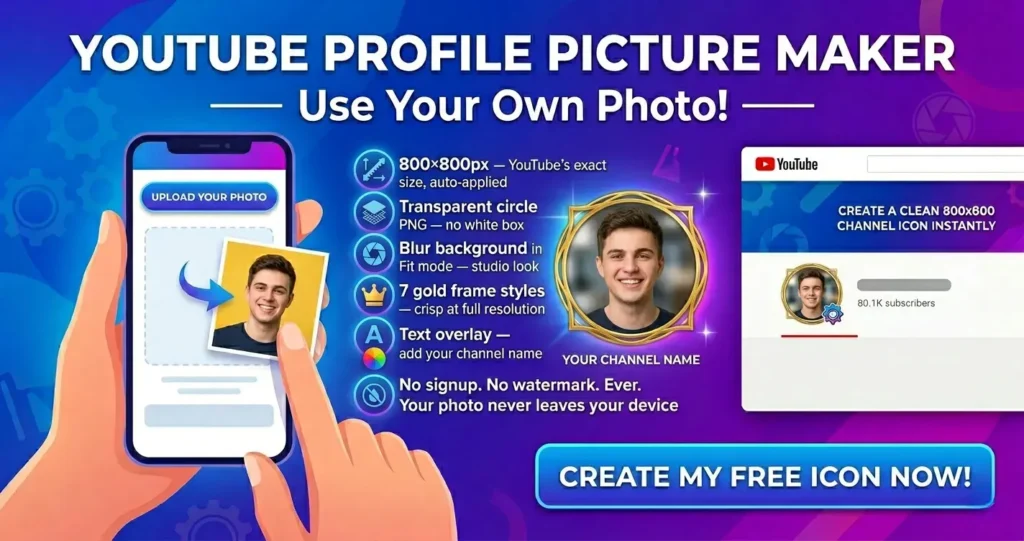
YouTube profile pictures are 800×800 pixels — the largest of any major social platform. That extra resolution matters because YouTube scales your channel icon across wildly different contexts: a tiny circle next to comments, a larger image on your channel page, and a full-size display on connected TVs.
Upload anything smaller than 800×800 and YouTube will stretch it. The result is a blurry, pixelated icon that looks unprofessional next to channels that got the size right.
The file must be under 4MB and saved as JPG, PNG, GIF, or BMP. For creators, PNG is the best choice — it preserves sharpness and supports transparency.
This tool auto-applies 800×800 the moment you open the YouTube page. No manual setup, no guessing.