Border Panel
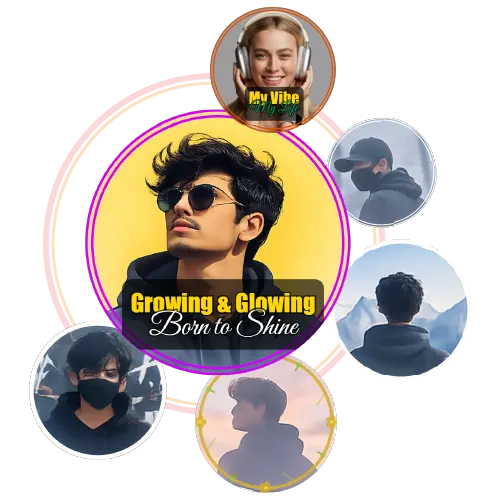
The Border panel sits between BG and Frames on the right sidebar. Choose from no border, thin lines, dotted rings, double borders, and dashed circles. Below the style row, pick your color — green, red, orange, pink, white, black, or a custom picker for anything else.
Borders work especially well when your photo background and platform background are similar in color. A clean border helps your profile picture maker output stand out wherever it appears.
Frames Panel
The Frames panel features seven gold decorative frames plus a None option. Some are solid ring-style, some have a sparkle or particle effect, one is a finely textured pattern. All have an Opacity slider to tone them down and a Scale slider to size them to your preference.
These frames are particularly popular for Eid DPs, wedding profile pictures, and celebration-themed posts.
Text Overlay Panel
Add any name, message, or short text — up to 50 characters — directly onto your DP. Use the Size, X pos, and Y pos sliders to place it anywhere on the canvas, or drag the text directly on the preview to reposition it. Choose from white, black, yellow, green, red, blue, or a custom color. Font options: Sans, Serif, Bold, and Mono. A subtle automatic outline keeps text readable over any background.