
All-in-One Image & SEO Tools, Fast & Free
PixelKit Hub
Online PDF merger · Free · Private
Merge PDF files into one file with this free PDF merger online. Add your files, set their order and download a single PDF. It runs 100% in your browser, so nothing is uploaded. Free, no signup, no watermark.
Up to 20 PDFs and 150 MB in total per merge.
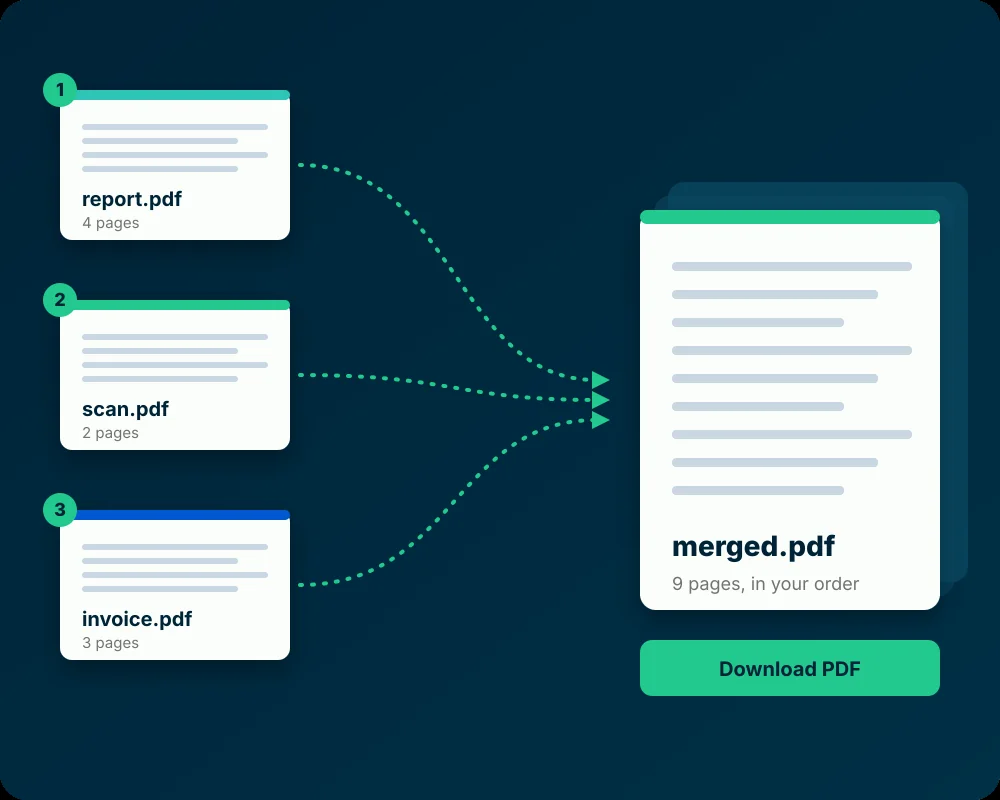
Illustration: three PDFs of 4, 2 and 3 pages joined into one 9-page file.
Loading Merge PDF...
Processed in your browser. Your files never leave your device.
How it works
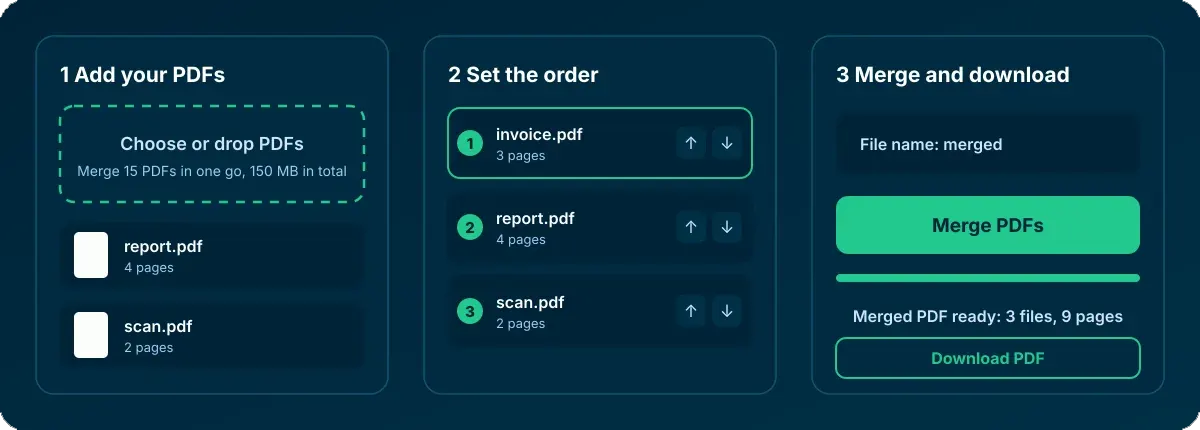
Drop your PDFs in, check the list, set the order and press the button to merge multiple PDF files into one file. Each file shows its page count and size before you merge, and every page of every file is kept.
Choose files or drop them on the page. Each PDF appears as a row with a small preview, its page count and its size. You need at least two.
Files are joined from top to bottom. Drag a row or use the arrows to merge and rearrange PDF files, remove one with the × button, or clear the list with Remove all.
Type a file name (it starts as merged), press Merge PDFs and watch the progress bar; Cancel stops it. Then press Download PDF.
Use cases
Merge PDF files into one file before you apply: the form, ID copy and certificates travel together, so a portal or recruiter opens a single attachment.
How to merge scanned documents into one PDF? Add each scanned PDF, put them in page order and download one document.
Chapters written by different people become one PDF, in the order of the contents page.
Gather the month’s invoices into one file for your accountant or an expense claim.
Privacy
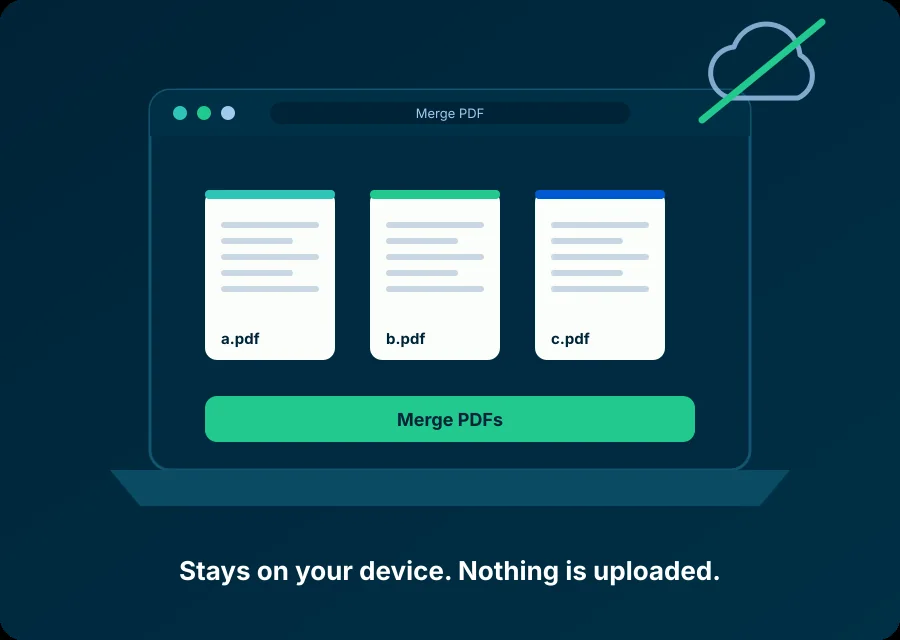
Merging happens inside your browser. Your PDFs are read from your own device (browsers can read files you choose without sending them anywhere) and the merged file is built there, so nothing is uploaded to PixelKit Hub or anyone else. No account needed.
Merge, split or image to PDF?
A two PDF merger or a 20-file one: use it when you already have PDFs and want to merge PDF files into one file, in your order. That is this page.
Need only some pages before joining? Cut or extract them with Split PDF, then merge the pieces here.
Starting from photos or screenshots? Image to PDF turns JPG, PNG and WebP into a PDF you can merge here.
Pages sideways? Fix them with Rotate PDF before joining. Want pictures out of a PDF instead? PDF to Image saves pages as JPG or PNG.
FAQ
Add both PDFs, drag them into the order you want, press Merge PDFs and download the result. The same steps work for up to 20 PDFs, and all pages are kept. If your files are photos, turn them into PDFs with Image to PDF first.
It is free, with no signup and no watermark. To merge PDF files into one file, your PDFs are read and joined in your browser, so they are never uploaded.
There is nothing to install. On a Mac, a Windows PC or any other computer, open this page in a modern browser, add your files and merge. The result is an ordinary PDF, a format defined by an international standard (ISO 32000), so normal viewers open it.
Yes. Drag a row or use the arrow buttons. The list is the order of the final PDF, and the number on each preview updates as you move files.
Password-protected, damaged or non-PDF files are refused with a message naming the file, while your other files stay in place. Remove the password or save a fresh copy, then add it again.
Up to 20 files and 150 MB in total. For more, merge in two rounds, then merge the two results.
No. This tool joins whole PDFs one after another and does not place two pages on one sheet. To add photos, turn them into a PDF with Image to PDF first, then merge.