
All-in-One Image & SEO Tools, Fast & Free
PixelKit Hub
PDF tools · Free · Private
Five free PDF tools that run inside your browser tab. Choose a file, the tool works on it on your device, and you download the result. No signup, no watermark, nothing sent to a server.
Five tools. Your files stay on your device.
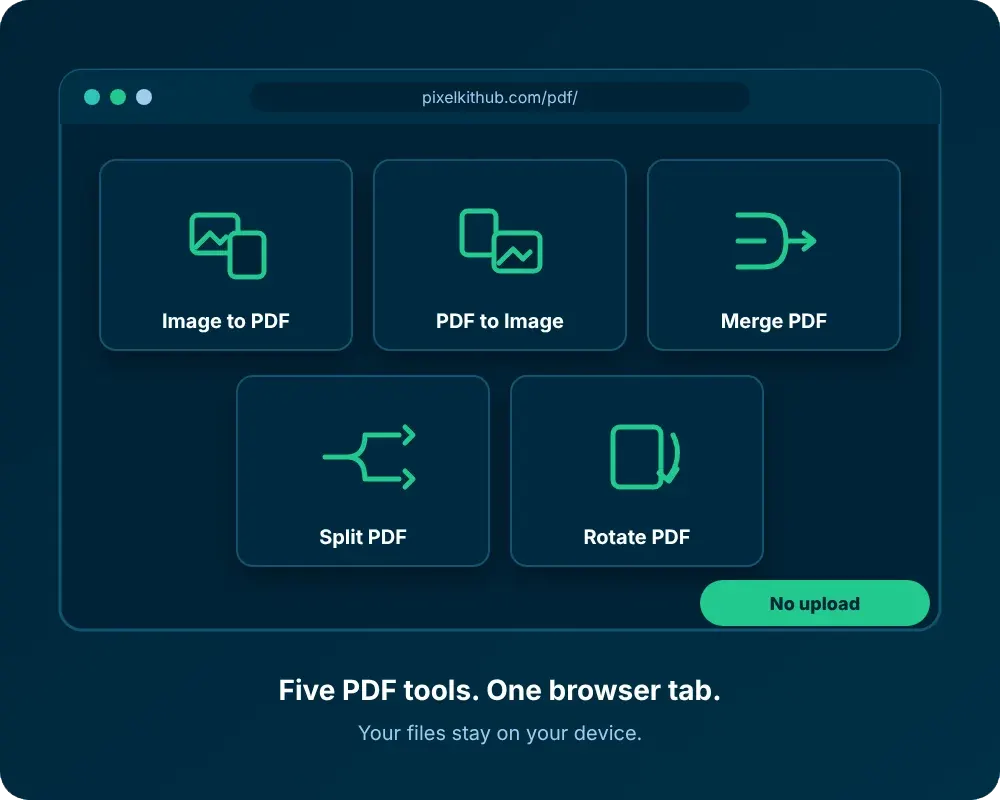
Illustration: five PDF tools, one browser tab, no upload.
The tools
Turn photos, screenshots and scans into one PDF, with the page size, margin and orientation you choose.
Save PDF pages as JPG or PNG pictures: every page or only the ones you pick, at 72, 150 or 300 DPI.
Cut one PDF into parts by page ranges or every N pages, or pull out just the pages you need.
Stand sideways or upside-down pages back up: all pages, odd or even pages, or a few you choose.
Not sure where to start?
Start from the job, not the tool name.
Pictures are not PDFs yet. Image to PDF puts JPG, PNG or WebP files on pages, in the order you pick.
Use Split PDF to extract only the pages you want, or to cut a long file into parts.
Rotate PDF turns every page, only odd or even pages, or just the ones you choose.
PDF to Image saves pages as JPG or PNG. Several pages arrive together in a ZIP.
Chain them: split out the pages you want, rotate any that are sideways, then merge the pieces. Each step gives you a file for the next.
Why browser-based
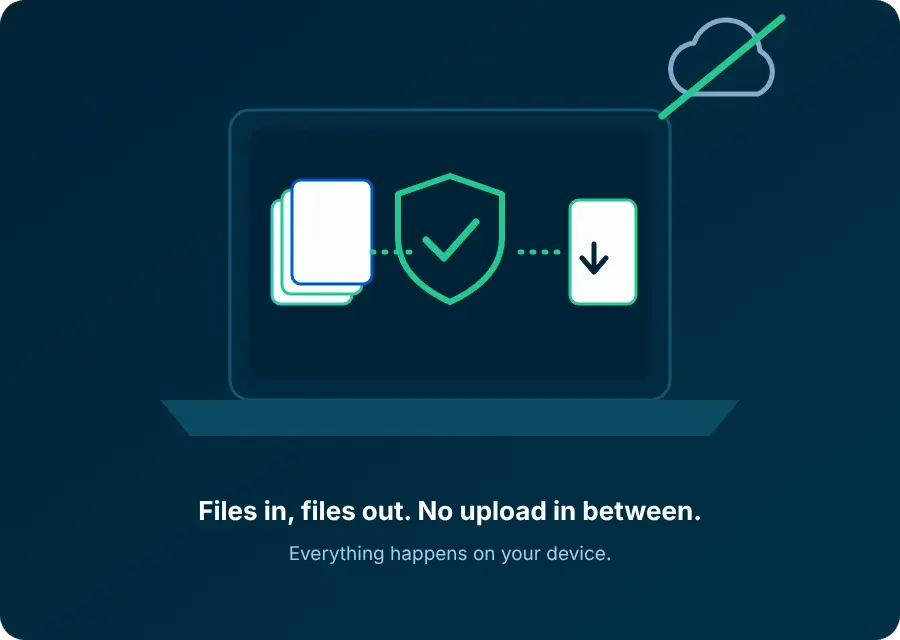
Each tool is code that runs in your browser. When you pick a PDF, your browser can read the file you choose without sending it anywhere, so the work happens in memory on your device and the result comes back as a download. Your files are not sent to a PixelKit server, which is why these private PDF tools need no account. The page loads like any website; only your own files stay put.
No compression, encryption, password removal, text editing, OCR or Word, Excel and PowerPoint conversion. Scanned pages stay pictures. There is no offline mode and no cloud storage.
FAQ
Yes. All five are free to use and add no watermark to what you download.
No. The work happens in your browser, so your PDFs and images stay on your device. The page loads the tool code, never your files.
No. There is no signup and no login. Open a tool, add your file and download the result.
Yes, in a current mobile browser. Phones and tablets have less memory than computers, so some limits are lower and a very large job may stop with a message.
Merge PDFs, split them or extract pages, rotate pages, turn pages into JPG or PNG, and build a PDF from images. PDF is an ISO-standardized format, so the results open in ordinary PDF readers.
Password-protected, damaged or non-PDF files show an error. For a locked PDF, save or print a copy without the password first, then try again.
No. These tools do page-level jobs only. They do not compress, edit text, run OCR or convert to Word or Excel.