
All-in-One Image & SEO Tools, Fast & Free
PixelKit Hub
Rotate PDF · Free · Private
Rotate pages in PDF files and keep the result: turn sideways or upside-down pages upright and download a file that stays that way. Rotate PDF free, with 90° left, 90° right or 180°, for all pages, odd pages, even pages or the pages you type. No signup, no watermark.
One PDF at a time, up to 100 MB on computers and 50 MB on phones and tablets.
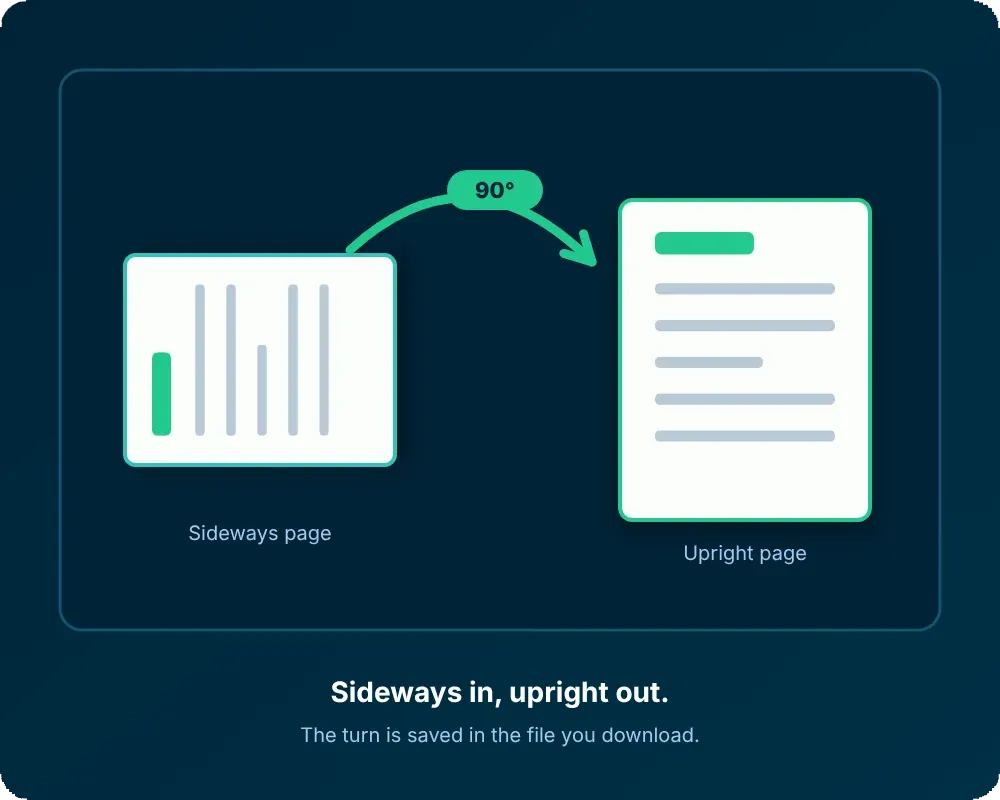
Illustration: a sideways page turned upright.
The tool
Loading Rotate PDF...
Processed in your browser. Your files never leave your device.
How it works
Some viewers only turn the view, and the page snaps back on reopening. Here the pages themselves change: rotate PDF and save the result as a new file.
Choose or drop one PDF. Page thumbnails appear. If previews cannot be made, a notice says so and turning still works.
Pick All, Odd, Even or Pages I type, then press ↺ 90°, ↻ 90° or 180° to rotate pages in PDF files. To rotate one page, use the arrows on its thumbnail. Reset clears the turns.
Press Rotate PDF, then Download PDF for a file named like yourfile-rotated.pdf. The turn is saved in the file, so it stays rotated in other viewers.
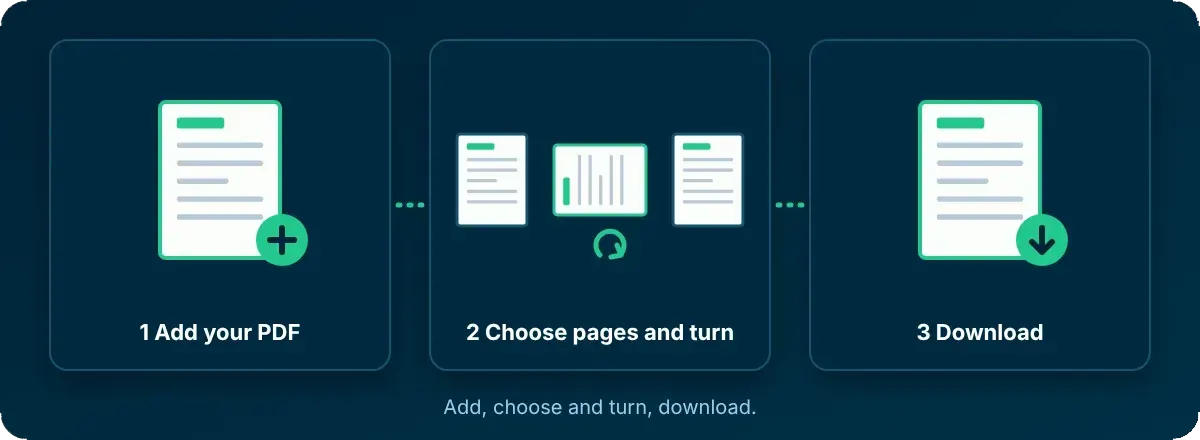
Illustration: add, choose and turn, download.
The menu Which pages do the buttons turn? offers All pages, Odd pages, Even pages (handy when every second sheet is sideways) and Pages I type, such as 1-3,5.
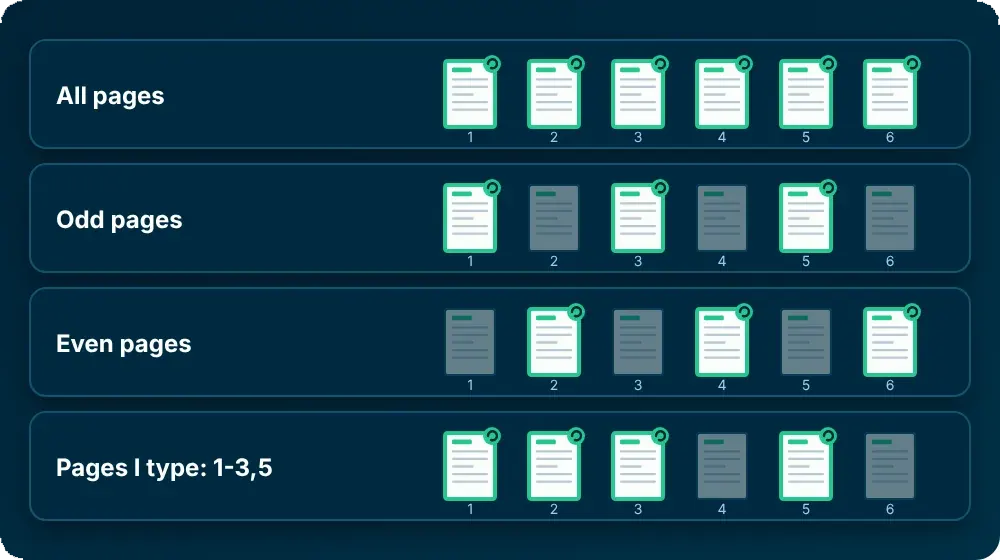
Illustration: which pages are turned for each choice.
Use cases
Sheets fed in landscape leave pages on their side. Turn them 90° and the document reads upright.
Pick Pages I type, or use the thumbnail arrows, and give those pages 180°.
A wide table inside a portrait report reads better turned. Pick just those pages.
Set the orientation first, so nobody downstream has to turn the pages again.
Privacy
Your browser reads and turns the PDF. Nothing is uploaded, so no copy waits on a server and there is no account. The page loads the tool code, never your file, and your browser can read the file you choose without sending it anywhere.
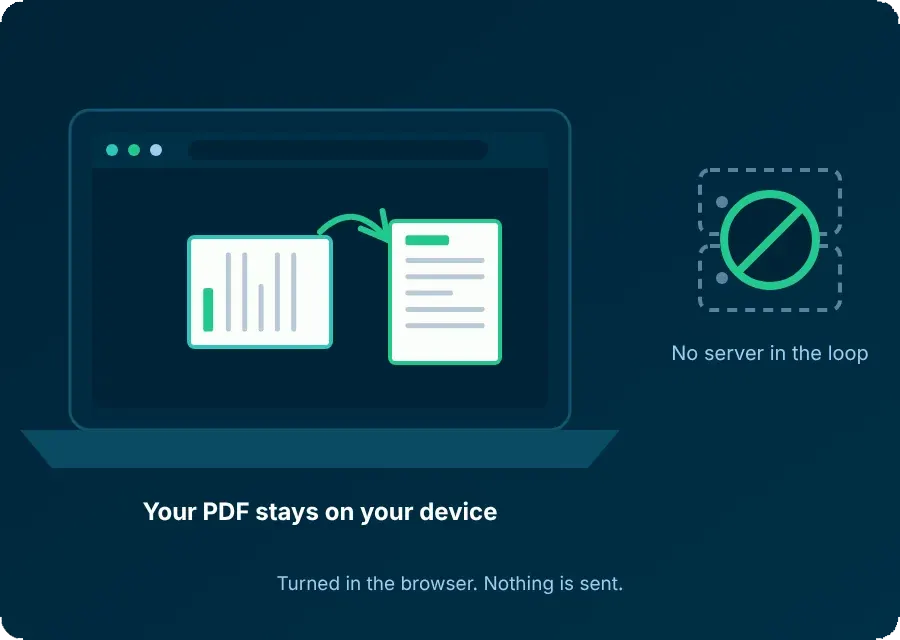
It turns pages only. It does not edit text, compress, encrypt, run OCR, merge or split.
Related tools
Rotating is often one step of a longer job.
FAQ
Add the PDF, choose pages, press ↺ 90°, ↻ 90° or 180°, then Rotate PDF and Download PDF. The new file keeps the turn, so the PDF is saved rotated. A page rotation is stored in steps of 90 degrees.
Both. For one page, use the arrows on its thumbnail. To rotate all pages at once, choose All pages and press a turn button. Odd, Even or typed pages (1-3,5) turn a group. Turns add up.
Free, with no signup and no watermark. Your PDF is not uploaded: you rotate pages in PDF files right in your browser.
Yes, in a current mobile browser. The limit is 50 MB there and 100 MB on computers.
Password-protected or restricted PDFs cannot be turned: save an unprotected copy first, for example by printing it to PDF. Damaged, empty, non-PDF and oversized files are refused too. Typed pages must exist and run forward, such as 3-5.
No Acrobat needed: any current browser on Mac, Windows, Android, iPhone or iPad works. Viewer shortcuts usually turn only the view. This tool writes the turn into a new PDF.
Add one PDF, rotate pages in PDF files that sit sideways and download a copy that stays upright.